

Let’s get one thing straight: boring videos don’t deserve reach. If your content blends into the feed like background noise, that’s not the algorithm’s fault — that’s weak editing. In today’s attention economy, an eye-catching video isn’t a “nice bonus.” It’s the bare minimum. Brands, creators, and marketers who understand social media video editing dominate. Everyone else gets ignored.
You can pat yourself on the back for creating a nice-looking video — but chances are, no one will ever see it. This guide is not about “tips and tricks.” It’s about how to edit videos for social media like someone who actually wants results.
Step 1: Platforms first, ego second
Editing without thinking about distribution is amateur behavior. Every platform has its own rules, its own audience habits, and no love for poorly thought-out content. Ignore that, and even decent social media videos will crash and burn.
Before you start cutting footage, the basics must be set — aspect ratio, duration, pacing, and UI-safe zones. These aren’t optional details — they’re non-negotiable. Ignore social media video specs, and your content gets cropped, compressed into trash, or punished before it ever hits the feed. Professional video production for social media begins with respecting the platform — not feeding your creative ego.
Step 2: Choose your editing weapon wisely
While software won’t fix poor content, the wrong tools can reduce speed and efficiency. If you care about speed over clutter, Movavi Video Editor helps you edit fast, add clean text, and export without friction. Perfect for creators who value execution over perfection.
If you want a free, no-nonsense option with real control, Shotcut delivers — as long as you’re willing to learn it. For full control, cinematic color, and advanced workflows, DaVinci Resolve is ruthless in the best way. It’s not beginner-friendly, but it rewards serious editors. Tools don’t make you good — but choosing the wrong one makes you inefficient.
Step 3: Kill the weak intro immediately
You have seconds. Not minutes. Not “let me explain.” Seconds. An eye-catching video pulls the viewer in the moment it appears on screen. No logos. No greetings. No slow builds. Movement, tension, or value must appear instantly.
Strong hooks rely on:
- Aggressive opening frames;
- Immediate visual change;
- Bold on-screen text that sparks curiosity.
This is the core of social media video editing — not aesthetics, but attention control.
Step 4: Cut like you’re allergic to boredom
Dead air is poison. Long pauses are reach killers. If a clip doesn’t add value, cut it without mercy.
When you edit videos for social media, your job is momentum. Jump cuts, punch-ins, and speed ramps are intentional techniques used to maintain pacing and retention. Intentional pacing should keep the viewer slightly on edge. Comfort is what people scroll past.
Different types of social media videos demand different rhythms, but none forgive sloppiness. Educational clips must move. Product videos must hit fast. Story-based content must escalate constantly.
Step 5: Edit for silence, design for retention
Most viewers won’t turn the sound on — and whining about it won’t change reality. Subtitles are mandatory. Clean, readable, well-timed captions that guide the eye and reinforce meaning. Not ugly auto-captions dumped on the screen.
Text animation matters too. When done right, it boosts retention and drives exceptional engagement even with the sound off. If your message only works with audio, your editing failed.
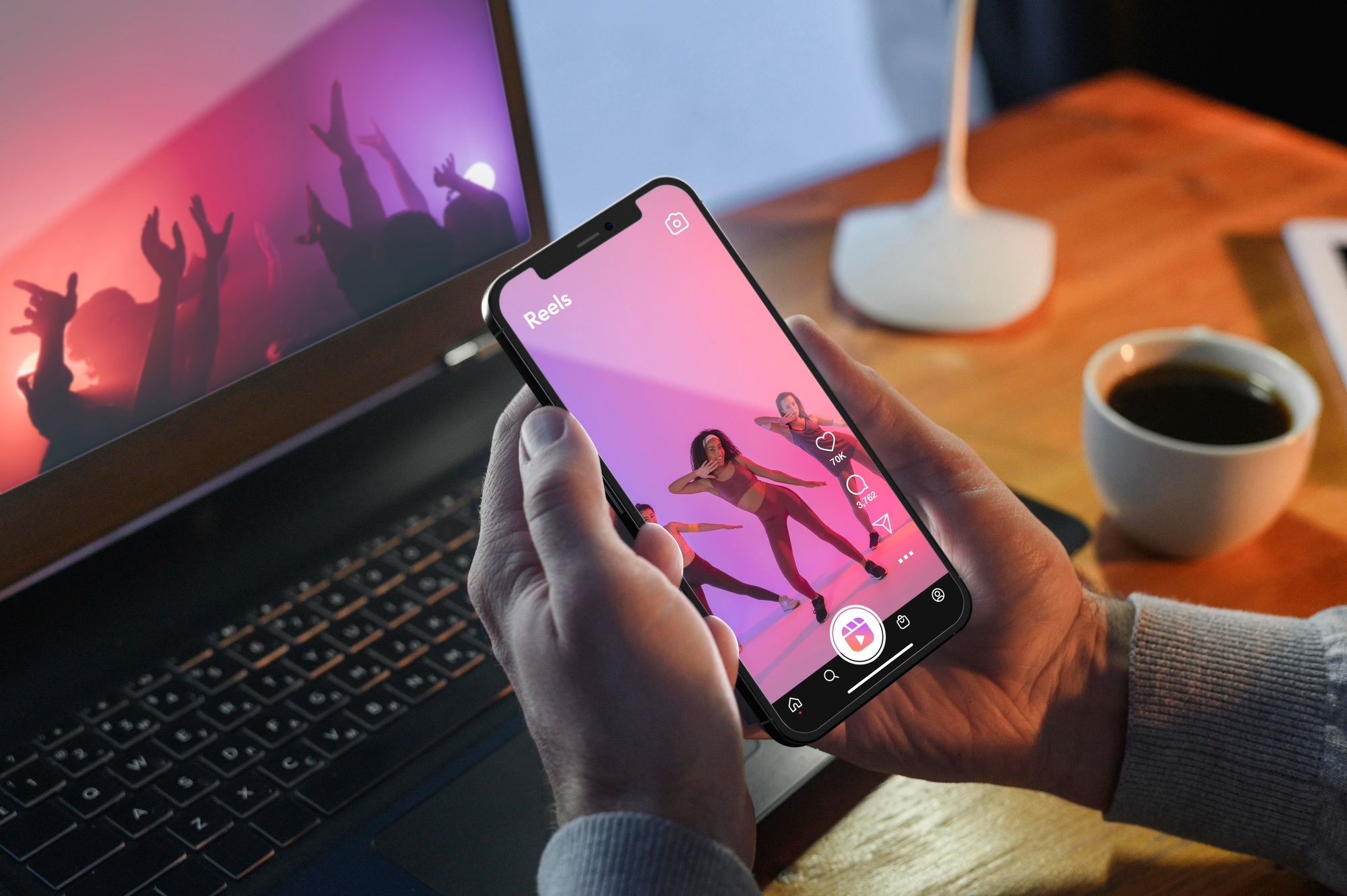
Step 6: Stop editing like an amateur and start thinking like a strategist
Here’s the uncomfortable truth: obsessing over fancy transitions instead of retention is loser behavior. High-performing social media videos are edited with intent. Every cut fights for attention. Every second earns its place.
Real growth happens when social media video editing becomes strategic. You analyze watch time, rewrite hooks, and rebuild formats until they convert. Editing isn’t post-production anymore — it’s positioning. This mindset is what turns random uploads into a successful social media strategy. If you’re not editing to win attention, you’re editing to be ignored.
Step 7: Use music smart, not recklessly
Music sets emotion instantly — or gets your content muted. Always use no copyright music or properly licensed tracks. Sync cuts to the beat, but don’t let music hijack the story. Trends help, but only when they fit. Blindly slapping trending audio onto weak visuals is lazy editing disguised as strategy.
Step 8: Ride trends without becoming generic
Avoiding social media content trends doesn’t equal originality; it equals low visibility. Strong creators analyze trends, then reshape them instead of mindlessly cloning what everyone else does.
Raw visuals, faster pacing, and bold captions succeed because they match how users consume content. Your editing should feel current, not desperate. That balance is what keeps content relevant and shareable.
Step 9: Edit for shares, not vanity views
Views are cheap. Shares build authority. When editing, ask one brutal question: Would someone send this to a friend? If the answer is no, the edit is missing something — clarity, emotion, or value.
Formats built around reactions, remixing, and social media challenges amplify reach when executed with originality. Copying without adding perspective is a waste of time.
Step 10: Export clean and test ruthlessly
Bad export settings can kill great video production for social media before it even has a chance. Compression matters. Resolution matters. File size matters.
Test different hooks. Track retention. Kill what doesn’t work. Double down on what does. Editing success isn’t talent — it’s iteration.
Editing is the real advantage
Anyone can hit “record.” Very few know how to edit with intent. Real social media video editing mastery has nothing to do with software and everything to do with attention and psychology. When sharp hooks, ruthless pacing, clean visuals, and platform awareness come together, your content rises above the competition. That’s the difference between forgettable clips and eye-catching video assets that move the needle.
You have one more advantage — you’re a content consumer too. Look at what your competitors are putting out and, as a regular user, ask yourself one brutal question: would you actually like this, and would you share it? When things get unclear, trust your own taste and get a second opinion. Social media is ruthless — only those who earn their place get to stay visible.