
Video content has become one of the most powerful ways to communicate online. From YouTube creators to small business marketers, everyone needs high-quality videos to engage their audience. But creating professional-looking videos doesn’t always mean spending hundreds of dollars on expensive software. Several free video editing tools are available that are beginner-friendly and packed with features to help you create amazing videos. Now, we’ll explore the best free video editing software for beginners and creators, with tips to choose the right tool for your needs.
Why Free Video Editing Software is Perfect for Beginners
Starting your video editing journey can be intimidating. Professional software like Adobe Premiere Pro or Final Cut Pro is powerful but often overwhelming for beginners. Free software offers:
- User-friendly interfaces – Most free editors have drag-and-drop features, making it easier for beginners to cut, trim, and add effects.
- No cost commitment – You can explore video editing without worrying about subscriptions.
- Learning opportunities – Free editors often include tutorials, templates, and beginner-friendly guides.
- Adequate features – Surprisingly, many free editors include advanced features like filters, transitions, text overlays, and audio editing.
Free video editing software is ideal for YouTubers, social media creators, hobbyists, and small businesses who want to produce polished content without breaking the bank. For those interested in leveraging AI to streamline their workflow, an AI video editing tool can also help automate tasks like scene detection, captioning, and color correction, making the editing process faster and more intuitive.
Key Features to Look For in Free Video Editing Software
When choosing free software, focusing on features that enhance your editing process is essential. Here are some key aspects:
- Ease of use – Simple drag-and-drop interfaces save time.
- Support for multiple video formats – Compatibility with MP4, MOV, AVI, and other formats is essential.
- Basic editing tools – cutting, trimming, splitting, merging, and adjusting video speed.
- Text and graphics tools – Add captions, titles, and motion graphics.
- Transitions and effects – Smooth transitions and visual effects enhance storytelling.
- Audio editing – Background music, voiceovers, and sound effects.
- Export options – Ability to export in HD or suitable formats for social media.
A great free editor balances simplicity and functionality so you can create professional-looking videos without a steep learning curve.
Best Free Video Editing Software for Beginners and Creators
Here is a list of the best free video editors you can start using today:
DaVinci Resolve
Platform: Windows, macOS, Linux
Best for: Beginners who want professional-grade editing
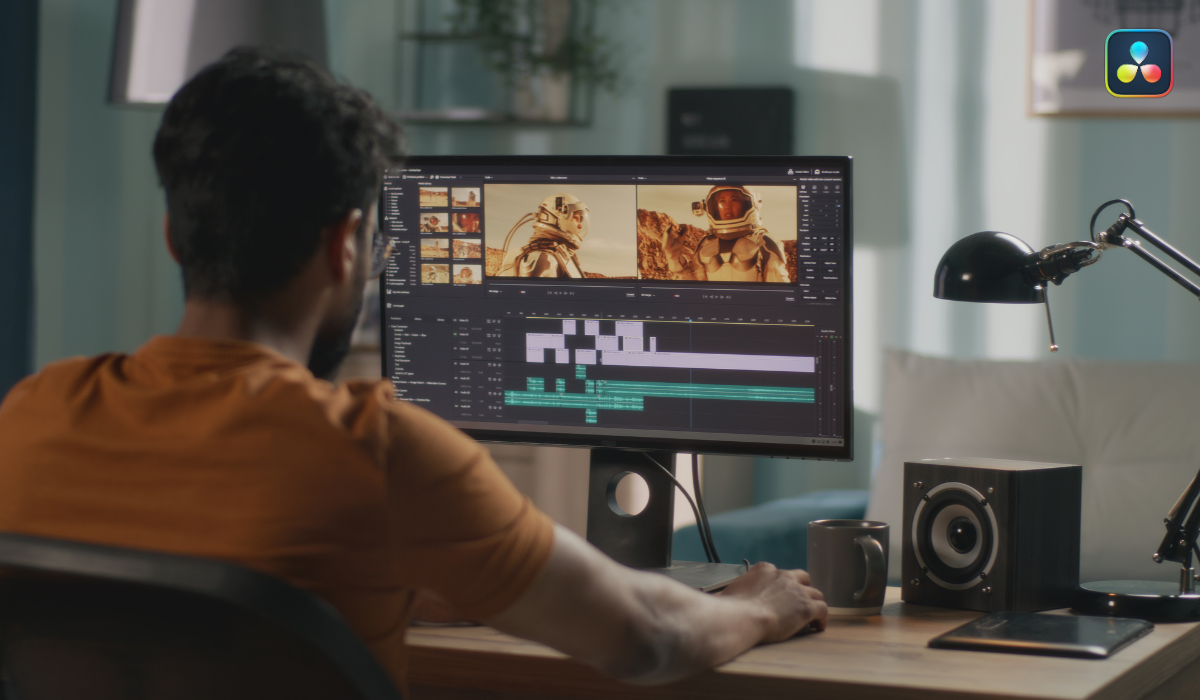
DaVinci Resolve is a powerful video editing tool. While it’s known for its professional colour grading, it’s also beginner-friendly for simple editing tasks.
Key Features:
- Multi-track editing
- Advanced color correction
- Built-in audio post-production
- Effects library and transitions
Pros:
- Professional-grade tools for free
- Regular updates and strong community support
- Handles high-resolution projects
Cons:
- Slightly steep learning curve for complete beginners
- Requires a powerful computer for smooth performance
HitFilm Express
Platform: Windows, macOS
Best for: Creators interested in special effects
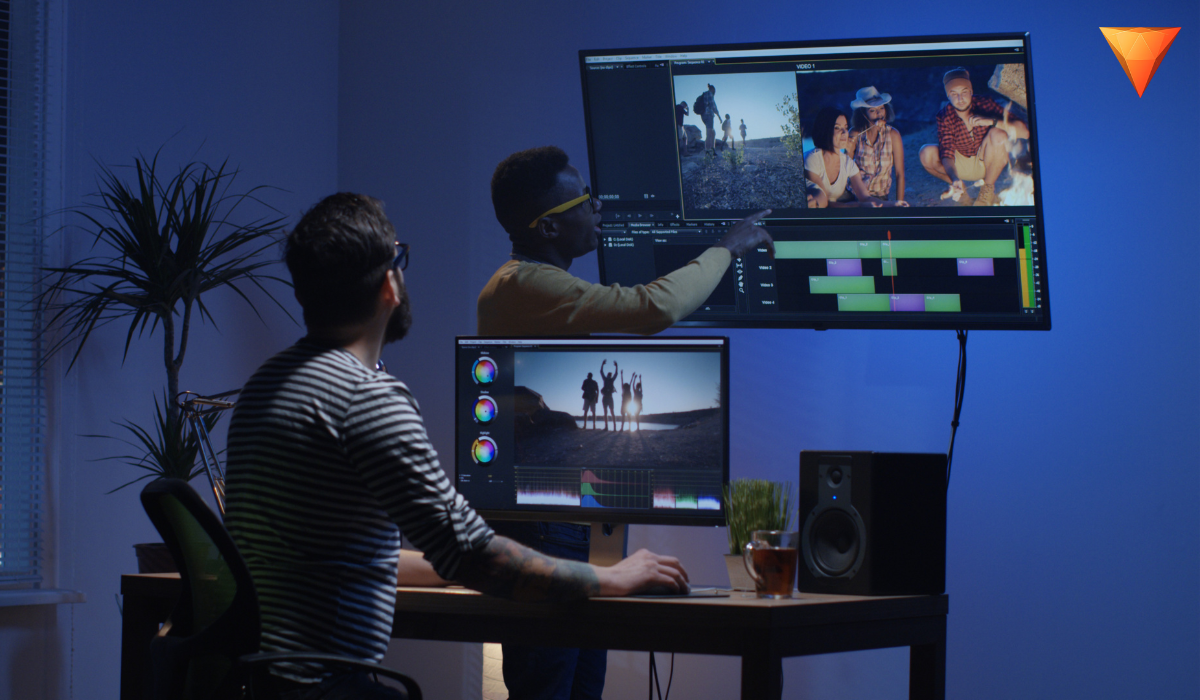
HitFilm Express is a free editor designed for YouTubers and social media creators. It combines basic editing with advanced visual effects.
Key Features:
- Drag-and-drop timeline
- Composite shot effects
- Built-in tutorials
- 2D and 3D visual effects
Pros:
- Beginner-friendly interface
- Extensive online tutorials
- Active community support
Cons:
- Some features require paid add-ons
- Can be heavy on system resources
Shotcut
Platform: Windows, macOS, Linux
Best for: Beginners who want an open-source editor
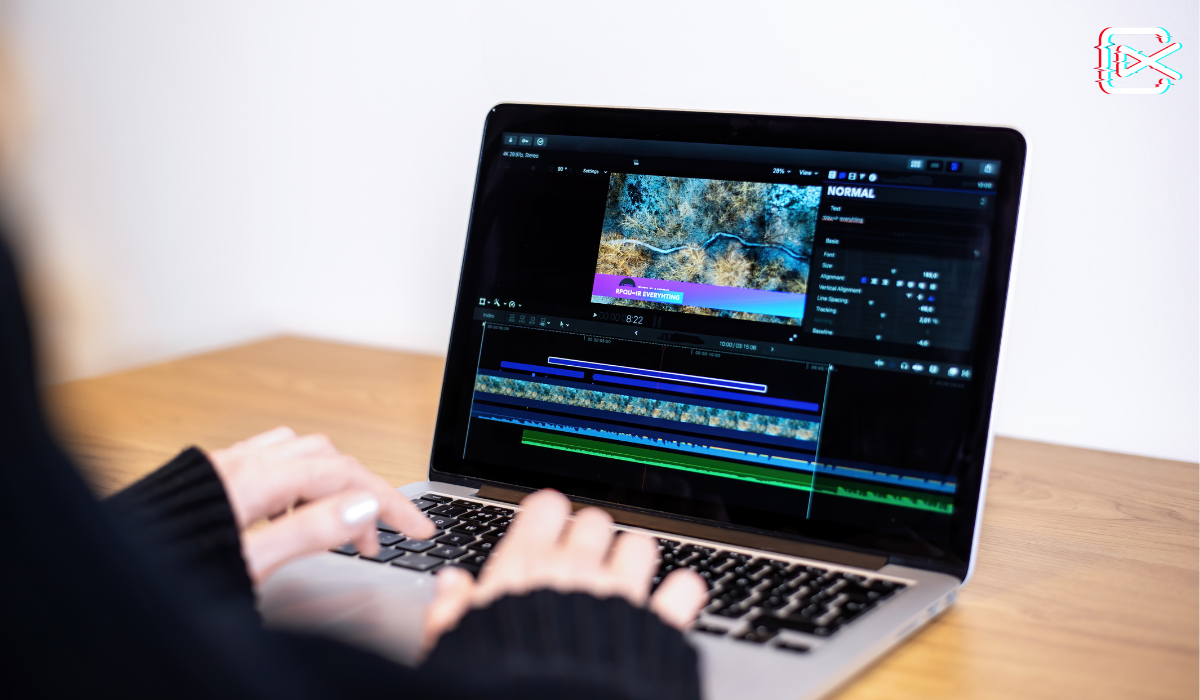
Shotcut is open-source and completely free, making it perfect for beginners exploring video editing.
Key Features:
- Wide format support
- Drag-and-drop timeline editing
- Video effects and transitions
- Audio filters
Pros:
- Free and open-source
- Lightweight software
- Frequent updates and community support
Cons:
- The interface may feel basic compared to premium editors
- Learning curve for advanced features
Openshot
Platform: Windows, macOS, Linux
Best for: Beginners who want simplicity
OpenShot is known for its simplicity and intuitive interface. It’s ideal for beginners who want to create videos quickly.
Key Features:
- Drag-and-drop timeline
- Multiple video and audio tracks
- Animated titles and effects
- Slow motion and time-lapse
Pros:
- Very easy to use
- Supports unlimited tracks
- Free and open-source
Cons:
- Can be slow with large projects
- Fewer advanced features than other editors
iMovie
Platform: macOS, iOS
Best for: Apple users and beginners
iMovie is a default editor for Mac and iPhone users. Its interface is simple and intuitive, perfect for beginners making personal or small business videos.
Key Features:
- Drag-and-drop editing
- Pre-made templates
- Green screen effects
- Audio editing tools
Pros:
- Extremely beginner-friendly
- Smooth integration with Apple devices
- High-quality video output
Cons:
- Limited advanced features
- Only available for Apple devices
VSDC Free Video Editor
Platform: Windows
Best for: Beginners who want a Windows-based editor
VSDC is a powerful Windows-only editor that provides both basic and semi-professional features.
Key Features:
- Non-linear editing
- Visual effects and filters
- Motion tracking and color correction
- Audio editing
Pros:
- Lightweight and fast
- Many advanced features for free
- Suitable for social media content
Cons:
- Windows only
- Slightly less intuitive than iMovie or OpenShot
Clipchamp

Platform: Web-based
Best for: Beginners who prefer online editing
Clipchamp is an online video editor that requires no downloads. It’s perfect for quick edits and social media content creation.
Key Features:
- Drag-and-drop interface
- Pre-made templates
- Stock footage and audio
- Cloud storage integration
Pros:
- No installation required
- Works on any device with a browser
- Beginner-friendly
Cons:
- Requires an internet connection
- Some premium features behind a paywall
Tips for Choosing the Right Free Video Editor
With so many options, choosing the right editor can be tricky. Here are some tips:
- Define your purpose – are you creating YouTube videos, social media content, or personal projects? Different editors cater to different needs.
- Check system requirements – Some editors need high-performance computers. Make sure your system can handle the software.
- Ease of learning – Beginners should choose editors with simple interfaces and good tutorials.
- Export formats – Ensure the editor supports the formats you need for social media or other platforms.
- Future growth – Pick software that can scale with your skills. Some free editors have optional paid upgrades.
Common Features All Free Editors Should Have
Even if you are a beginner, having access to these features will make your editing experience smoother:
- Trimming and splitting – basic functions for cutting unwanted sections.
- Transitions – Smooth transitions between clips improve video flow.
- Text and captions – Add titles, subtitles, and text overlays.
- Filters and effects – Enhance video appearance and storytelling.
- Audio tools – Music, voiceovers, and sound effects to enrich your videos.
Tips for Beginners to Improve Video Editing Skills
Even with the best software, editing requires practice. Here are tips to improve quickly:
- Start with short projects – focus on 1–2 minute videos first.
- Use templates – Many editors offer pre-made templates to speed up workflow.
- Watch tutorials – YouTube has countless free tutorials for every software.
- Experiment with effects – Play with filters, transitions, and text animations.
- Keep your edits simple – Avoid overcomplicating your video; clarity is key.
Final Thoughts
You don’t need to spend a fortune to create professional-looking videos. Free video editing software is perfect for beginners and creators who want to learn, experiment, and produce engaging content. Whether you are editing YouTube videos, Instagram reels, or family memories, there’s a free tool that fits your needs.
Our top recommendations:
- DaVinci Resolve – Best for beginners aiming for professional-grade results.
- HitFilm Express – Ideal for creators who want special effects.
- Shotcut and Openshot – Perfect for those who want simplicity.
- iMovie – Best for Apple users.
- VSDC – Great for Windows users.
- Clipchamp – Convenient for quick online edits.
With the right software and consistent practice, you can create stunning videos that capture attention and tell compelling stories—without spending a dime.
FAQ’s
Can beginners really use free video editors effectively?
Yes! Many free video editors are designed with beginners in mind. They offer intuitive drag-and-drop interfaces, tutorials, and pre-made templates, allowing even those with no prior experience to create professional-looking videos without feeling overwhelmed. Practice improves skill over time.
Do free editors add watermarks to videos?
Some free editors may include watermarks, but the top options like DaVinci Resolve, Shotcut, and Openshot allow you to export videos without any watermarks. Always check the software features before starting, especially if you’re creating content for YouTube or social media.
Which free video editor is best for YouTube creators?
For YouTube content, DaVinci Resolve and HitFilm Express are excellent choices. They provide advanced editing tools, visual effects, transitions, and audio editing, enabling creators to produce high-quality videos that look professional and attract more viewers.
Can I edit videos on my phone for free?
Yes. Mobile-friendly editors like iMovie (iOS) and web-based tools like Clipchamp allow you to edit videos directly from your phone or tablet. They offer essential editing tools, templates, and easy exporting options, making them ideal for quick social media content creation.
Do I need a powerful computer to use free video editors?
It depends on the software. Editors like DaVinci Resolve and HitFilm Express require a strong computer with good RAM and graphics. Lighter options like Shotcut, Openshot, and VSDC can run smoothly on less powerful machines, making them beginner-friendly.
Are free video editors suitable for professional projects?
Yes, some free editors like DaVinci Resolve offer professional-grade tools, including colour correction, multi-track editing, and audio post-production. While they may have limitations compared to paid software, they are capable of producing high-quality videos for professional projects.
Can I use free video editors for social media content?
Absolutely! Free video editors support popular formats like MP4 and MOV and include templates, filters, and transitions tailored for social media platforms. Tools like Clipchamp and iMovie are especially useful for creating Instagram reels, TikTok videos, and YouTube shorts.