
When someone visits your website, opens your app, or interacts with your social media post, they leave behind clues about what they like, what they need, and what makes them leave. These clues are called user engagement metrics.
Many businesses focus only on traffic numbers—how many people visited the site. But traffic alone doesn’t show success. What really matters is what users do after they arrive. Do they stay? Do they read? Do they click? Do they come back?
That’s where engagement metrics come in. They help you understand your audience better and make smarter decisions.
What Are User Engagement Metrics?
User engagement metrics are numbers that show how people interact with your website, app, or content. They tell you:
- Are users interested?
- Are they finding what they need?
- Are they enjoying the experience?
- Are they taking action?
These metrics help you move from guessing to knowing.
Why Engagement Metrics Matter More Than Ever
Today, users have endless choices. If your site is slow, confusing, or boring, they will leave in seconds. Engagement metrics help you:
- Improve user experience
- Increase conversions and sales
- Build trust with your audience
- Make better marketing decisions
- Save time and money
In short, they show you what’s working and what’s not.
Time on Page—Are People Actually Reading?
What it means:
Time on page displays the amount of time users spend on a particular page.
Why it matters:
If visitors spend more time on a page, it usually means they find the content useful or interesting. If they leave quickly, something may be wrong—maybe the content isn’t clear, or the page loads too slowly.
What’s a good sign?
- Blog posts: 2–4 minutes
- Product pages: 1–2 minutes
- Landing pages: long enough to read the key message
How to improve it:
- Use simple language
- Break text into short paragraphs
- Add images and videos
- Make your content easy to scan
Bounce Rate—Why Are Users Leaving?

What it means:
The percentage of visitors who leave your website after only reading one page is known as the bounce rate.
Why it matters:
A high bounce rate means visitors didn’t find what they expected. A low bounce rate means they explored more.
But remember:
High bounce rate isn’t always bad. For example, if someone finds the exact answer they need and leaves, that can still be success.
How to reduce unnecessary bounces:
- Make sure your page matches what users searched for
- Improve page loading speed
- Use clear headlines
- Add internal links to guide users to other pages
Pages Per Session—How Curious Are Your Users?
What it means:
This shows how many pages a user visits in one session.
Why it matters:
More pages per session usually means users are interested and exploring your content.
How to increase it:
- Include sections labeled “related posts” or “you may also like.”
- Use clear menus and navigation
- Add internal links naturally inside content
- Create strong calls to action like “Read more.”
Click-Through Rate (CTR)—Are Your Messages Working?
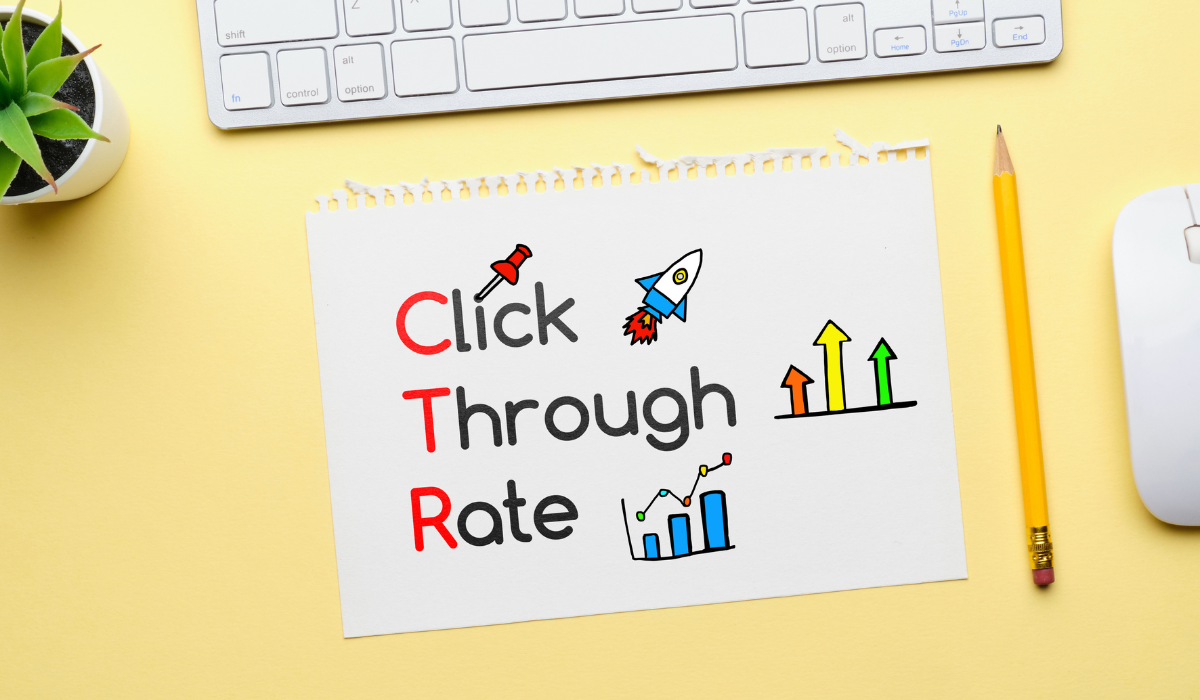
What it means:
CTR shows how many people clicked on a link, button, or ad after seeing it.
Why it matters:
It tells you how strong your message is. If people don’t click, your headline, design, or offer may not be appealing.
Where CTR matters most:
- Email campaigns
- Ads
- Website buttons
- Social media posts
How to improve CTR:
- Use clear, benefit-focused text
- Make buttons stand out
- Keep your message short and direct
- Use action words like “Get,” “Start,” “Discover.”
Scroll Depth—Are They Reaching the End?
What it means:
Scroll depth shows how far users scroll down a page.
Why it matters:
If most users stop scrolling halfway, your most important content at the bottom may never be seen.
How to use it wisely:
- Place key messages higher on the page
- Break long pages into sections
- Use subheadings to guide readers
- Add visuals to keep attention
Return Visitors—Do People Come Back?
What it means:
This metric shows how many users return to your site after their first visit.
Why it matters:
New visitors are great, but returning visitors show trust and loyalty. They already know your brand and choose to come back.
How to increase return visits:
- Share valuable content regularly
- Use email newsletters
- Offer updates, tips, or offers
- Create a consistent brand experience
Conversion Rate—The Metric That Pays the Bills
What it means:
Conversion rate shows how many users complete a goal, such as:
- Making a purchase
- Filling out a form
- Signing up for a newsletter
- Downloading a guide
Why it matters:
You can have thousands of visitors, but if no one takes action, your efforts go to waste.
How to improve conversions:
- Keep forms short
- Use simple and clear language
- Build trust with reviews and testimonials
- Make your call to action easy to find
Engagement Rate on Social Media—Is Your Content Connecting?

What it means:
This measures likes, comments, shares, and saves on your social posts.
Why it matters:
High engagement indicates that your audience finds value or relatability in your material.
How to boost social engagement:
- Ask questions
- Share stories, not just promotions
- Use simple, friendly language
- Post consistently
- Respond to comments
Exit Pages—Where Do Users Leave?
What it means:
Exit pages show the last page users see before leaving your site.
Why it matters:
Some exit pages are normal (like “Thank You” pages), but if users leave from key pages, it may signal a problem.
How to fix weak exit pages:
- Add a next step (related content, offers)
- Improve page clarity
- Reduce distractions
- Make navigation easy
Session Duration—How Long Do They Stay Overall?
What it means:
This shows the average time users spend on your site in one visit.
Why it matters:
Longer sessions usually mean better engagement and interest.
How to increase session time:
- Create helpful, easy-to-read content
- Use videos and visuals
- Improve site speed
- Reduce pop-ups that interrupt users
How to Use These Metrics the Right Way
Looking at numbers is easy. Understanding them is the real skill.
Here’s how to use engagement metrics wisely:
- Focus on trends, not just numbers
Look at changes over time, not just one day’s data.
- Connect metrics to goals
Decide what success means for you—sales, leads, or awareness—and track the metrics that support that goal.
- Test and improve
Try small changes and see how metrics respond. This is how you grow.
- Don’t chase perfection
No site has perfect numbers. Aim for progress, not perfection.
Common Mistakes to Avoid
- Focusing only on traffic, not engagement
- Ignoring mobile users
- Making decisions without data
- Tracking too many metrics at once
- Forgetting the human behind the numbers
Remember, behind every metric is a real person.
Final Thoughts
User engagement metrics are more than just numbers on a dashboard. They are stories about how people experience your brand.
When you understand these metrics, you stop guessing and start growing. You learn what your audience loves, what confuses them, and what makes them stay.
So the next time you look at your analytics, don’t just see data—see opportunities.
Because behind every click is a chance to connect, improve, and succeed.
FAQ’s
Which engagement metric is the most important?
There is no single most important metric because each business has different goals. For some, conversion rate matters most, while others focus on time on page or return visitors. The best approach is to track metrics that match your specific business objectives.
How often should I check user engagement metrics?
You should review engagement metrics at least once a week to spot patterns and problems early. For campaigns or new launches, checking daily helps you make quick improvements and avoid wasting time or budget on strategies that are not working well.
Can small businesses benefit from tracking engagement metrics?
Yes, small businesses benefit greatly from engagement metrics because they help make smart decisions without spending a lot of money. Even basic data like bounce rate and conversions can show what customers like, helping improve results with limited resources.
Do engagement metrics affect SEO rankings?
Yes, engagement metrics like time on page, bounce rate, and click-through rate can indirectly impact SEO. When users stay longer and interact more, search engines see your content as valuable, which can improve visibility and rankings over time.
What tools can beginners use to track engagement metrics?
Beginners can use simple tools like Google Analytics, Search Console, and social media insights to track engagement. These tools are easy to set up and provide clear reports on user behavior, helping even non-technical users understand what’s happening on their site.
How can engagement metrics help improve content strategy?
Engagement metrics show which content performs best and which gets ignored. By studying this data, you can create more of what your audience enjoys and stop producing content that doesn’t work, saving time and increasing overall content impact.