
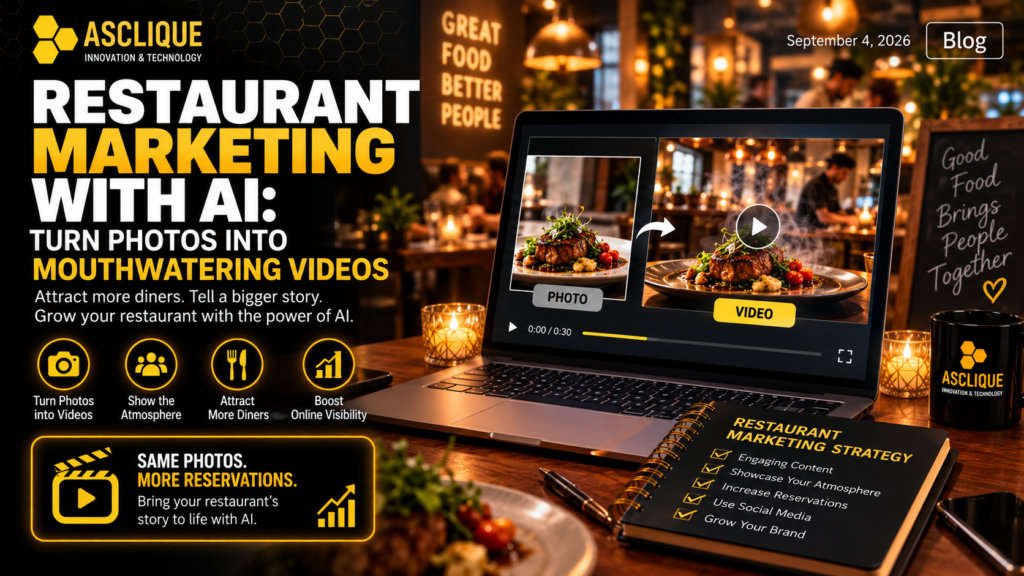
Restaurant marketing is highly visual. A beautifully plated dish can catch someone’s attention, but a single photograph does not always communicate the full dining experience. The warm lighting, movement inside an open kitchen, steam rising from fresh food, or the energy of a busy dining room can all influence whether someone wants to visit.
This is where image to video technology can give restaurants another way to use the photos they already have. Instead of relying exclusively on static images, restaurants can transform selected photos into short videos for Instagram Reels, TikTok, websites, advertisements, and other digital marketing channels.
Tools such as Dreamina make this process increasingly accessible, allowing marketers and restaurant owners to add realistic motion and atmosphere without organizing a completely new video shoot.
Why Restaurant Photos Alone Don’t Tell the Whole Story
Professional food photography remains an important part of restaurant marketing. High-quality images can showcase dishes, ingredients, presentation, interiors, and branding.
The limitation is that a photo captures only one moment.
Imagine two restaurants showing similarly impressive dishes online. One presents a static photograph. The other shows the same type of dish while steam slowly rises from it, candlelight moves subtly in the background, and the camera gently approaches the table.
The second piece of content gives the viewer more context.
That is one reason video content marketing has become such an important part of modern digital strategies. Video gives businesses more opportunities to demonstrate products, environments, processes, and experiences rather than simply describing them.
For restaurants, that distinction can be particularly valuable because customers aren’t buying food alone. They’re choosing an experience.
Restaurant Marketing Is About Selling the Experience
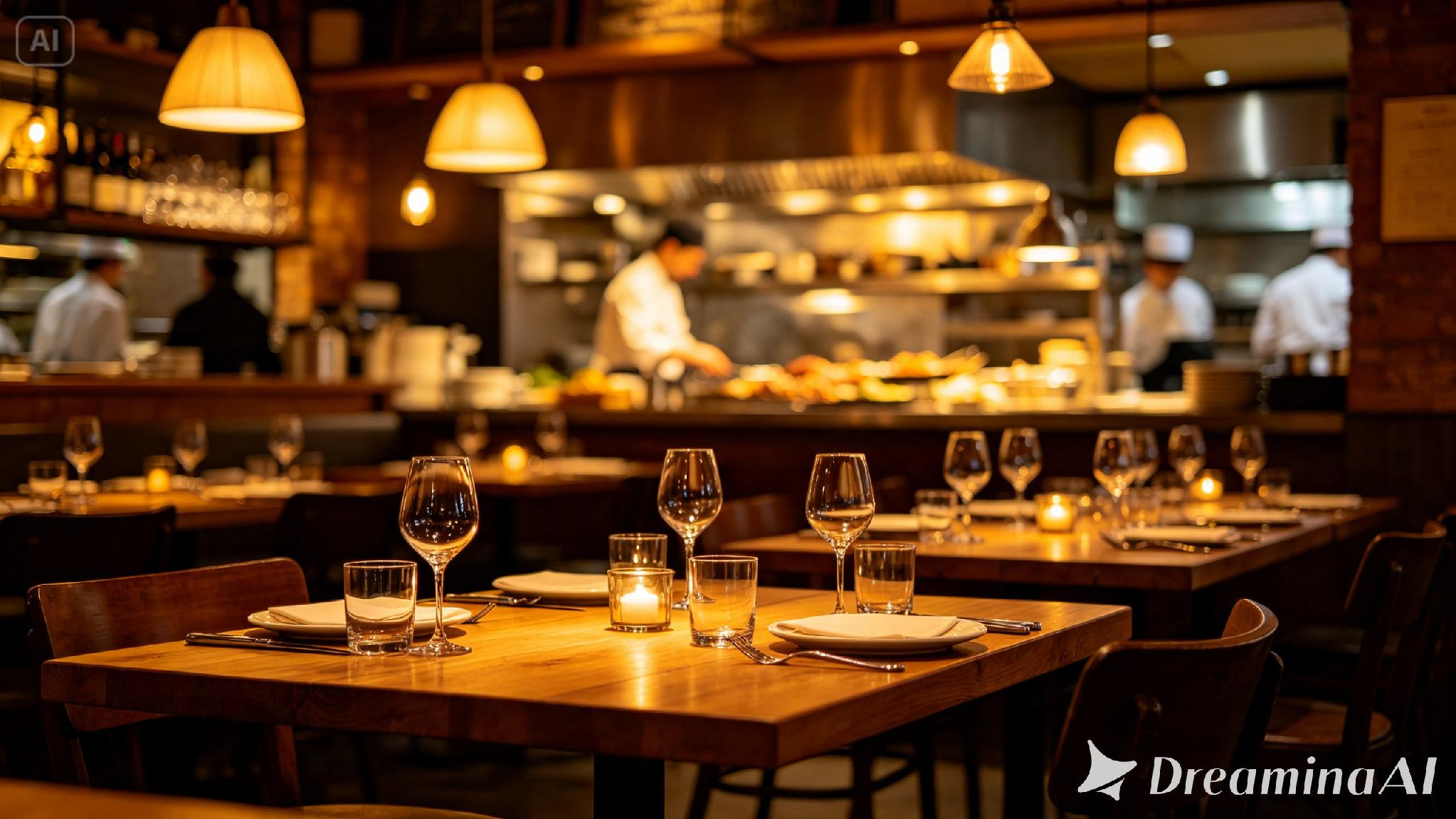
Before visiting a restaurant for the first time, potential customers may look at Google, Instagram, TikTok, review platforms, or the restaurant’s website.
They want to know what the food looks like, but they’re also evaluating questions such as:
- Is the restaurant casual or upscale?
- Would it work for a date night?
- Does it look busy and energetic?
- Is it appropriate for families?
- What does the dining room feel like?
- Is there outdoor seating?
- Does the food look fresh?
- What kind of atmosphere should I expect?
Video can communicate many of these details within seconds.
For businesses developing a larger social media marketing strategy, these short videos can become useful creative assets rather than isolated pieces of content.
One restaurant photo can potentially become a Reel, Story, TikTok video, website visual, or advertising creative.
How to Turn a Restaurant Photo Into a Video
Creating these videos does not necessarily require advanced video production skills. AI video tools can handle much of the initial animation while the marketer controls the direction through the source image and prompt.
Step 1: Choose the Right Restaurant Photo
Start with a strong original image.
Although AI can introduce motion, it cannot completely compensate for poor composition, confusing lighting, or an image that doesn’t communicate anything interesting.
Some of the best restaurant photos to animate include:
- Wide dining-room photographs
- Professionally photographed dishes
- Open kitchens
- Bars and cocktail areas
- Outdoor patios
- Restaurant entrances
- Chef or food-preparation scenes
- Tables with strong lighting and presentation
Look for photographs that already contain a sense of atmosphere.
A dimly lit dining room with pendant lights, for example, provides considerably more creative possibilities than a flat photograph of an empty table.
Step 2: Decide What the Video Needs to Communicate
Don’t animate a photograph simply because you can.
Start with the marketing objective.
If you’re promoting a fine-dining restaurant, the objective might be to communicate exclusivity and atmosphere. A casual restaurant might want to communicate energy and activity. A café may want to emphasize warmth, comfort, and fresh food.
The desired emotion should determine the motion you ask the AI to create.
Step 3: Upload the Image and Describe the Scene
In Dreamina, open the AI Video section and add the restaurant image as your reference.
Then describe both the environment and the movement you want.
For example:
Using the dining room and open kitchen from the reference image, create a warm restaurant scene. Add subtle movement to the pendant lights, soft steam rising from the kitchen, gently flickering candles on the tables, and a slow camera movement across the dining room before focusing on the table setting.
Specific prompts generally provide clearer creative direction than vague instructions such as “make this restaurant photo move.”
Think about four elements when writing the prompt:
Camera movement: slow zoom, pan, tracking shot, close-up.
Environmental movement: steam, candlelight, reflections, curtains, kitchen activity.
Atmosphere: romantic, luxurious, energetic, family-friendly, rustic.
Final focus: dish, dining table, chef, bar, restaurant logo, or interior.
Step 4: Select the Right Video Format
Where the video will be published should influence how you generate it.
For Instagram Reels, Stories, and TikTok, a vertical 9:16 video is generally the most practical option.
For YouTube or a website hero section, 16:9 may make more sense.
Restaurants planning content specifically for Instagram should also consider how the video will work as part of their overall Reel strategy. Asclique’s guide to Instagram Reel ideas covers additional formats businesses can use to improve engagement instead of publishing the same type of promotional video repeatedly.
Step 5: Generate and Review the Video
Generate the first version and review it carefully.
AI-generated video should not automatically be published simply because the first result looks impressive.
Pay attention to:
- Food changing shape
- Strange movement around hands or faces
- Duplicate customers
- Unrealistic reflections
- Moving furniture
- Distorted plates or glasses
- Inconsistent restaurant branding
- Unexpected text
- Objects appearing or disappearing
The purpose is to make the restaurant feel more real, not less.
If something looks obviously artificial, regenerate or edit the affected section.
Step 6: Add Sound, Branding, and a Call to Action
Motion is only one part of the finished creative.
Depending on the platform, restaurants can add ambient dining sounds, subtle background music, captions, their logo, promotional messaging, or a clear CTA.
Examples include:
Reserve Your Table
Book Your Weekend Dinner
Join Us Tonight
Explore Our New Menu
Visit Us in [Location]
This is where video creation becomes marketing rather than simply an AI experiment.
Businesses can also incorporate these assets into a broader content marketing strategy so that video, website content, social media, blogs, and promotional campaigns communicate a consistent brand message.
Which Restaurant Photos Should You Animate?
Not every photograph needs to become a video.
Prioritize images where movement adds something meaningful.
Dining Room Photos
Wide interior photographs are particularly useful because small movements can make the environment feel occupied and inviting.
Consider subtle camera movement, flickering candles, changing light, or restrained background activity.
Food Photography
Food images need more caution.
Too much AI-generated movement can quickly make food appear unnatural.
Subtle details usually work better:
- Steam rising from hot food
- Slight movement from melted cheese
- Sauce being poured
- Condensation on a cold drink
- Gentle camera movement toward the dish
Open Kitchen Photos
Open kitchens naturally suggest movement.
Steam, flames, chefs working, and small camera movements can transform an ordinary kitchen photograph into much more engaging content.
Bar and Cocktail Photos
Restaurant bars offer another strong opportunity.
Reflections, ambient lighting, bartender movement, glass details, and subtle background activity can create a polished promotional video without requiring aggressive animation.
Exterior Photos
Don’t ignore the restaurant entrance.
Animating exterior photography can be useful for local campaigns, particularly when the restaurant has recognizable signage, outdoor seating, attractive architecture, or evening lighting.
Matching Video Style to the Restaurant
One of the biggest mistakes in AI-generated restaurant content is making every restaurant look the same.
A luxury steakhouse shouldn’t have the same pacing as a sports bar.
Fine Dining
Use:
- Slow camera movements
- Warm lighting
- Minimal background movement
- Elegant transitions
- Close-up details
Café or Bakery
Use:
- Natural daylight
- Steam and fresh-food details
- Comfortable pacing
- Warm, inviting movement
Bar or Casual Restaurant
Use:
- Faster camera movement
- More visible activity
- Energetic background scenes
- Stronger music
Family Restaurant
Focus on:
- Bright interiors
- Comfortable seating
- Food variety
- Natural activity
- Welcoming environments
Your AI prompt should describe this tone directly.
Create a Restaurant Brand Video From Multiple Photos
A single image-to-video clip is useful for short social posts, but multiple photographs can tell a much stronger story.
For example, a restaurant could create:
Scene 1: Exterior
Start with the restaurant entrance and signage.
Scene 2: Dining Room
Move into the interior and establish the atmosphere.
Scene 3: Kitchen
Show activity and food preparation.
Scene 4: Signature Dish
Transition to a close-up of the restaurant’s best-known menu item.
Scene 5: Drinks or Dessert
Add another visually distinctive part of the dining experience.
Scene 6: Final Table or Logo
Finish with the restaurant name and booking CTA.
Instead of six unrelated photographs, you now have the foundation of a short restaurant brand video.
Where Can Restaurants Use AI-Generated Videos?
The real value comes from distributing the content across multiple channels.
Instagram Reels and Stories
Short restaurant clips are naturally suited to Instagram, particularly when combined with strong hooks, captions, location information, and calls to action.
Asclique’s guide on how to make Instagram Reels more popular provides additional guidance on hooks, formats, captions, and Reel optimization.
TikTok
Restaurants can combine atmospheric AI clips with menu reveals, chef stories, customer reactions, offers, and behind-the-scenes content.
Restaurant Websites
A subtle video on a homepage can immediately establish the restaurant’s visual identity.
Keep website videos compressed and optimized, however. A beautiful background video isn’t worth significantly slowing down the page.
Paid Social Advertising
AI-generated restaurant videos can also provide additional creatives for advertising campaigns.
Rather than continually using the same static image, marketers can test different versions of a creative to determine whether motion improves attention, clicks, reservations, or other conversion actions.
Google Business Profile and Local Marketing
Restaurants depend heavily on local discovery.
While your exact content strategy will vary by platform, maintaining strong and consistent visual assets across local search, social media, and the restaurant website can help potential customers understand what makes the business different.
AI Video Should Support Authentic Restaurant Content, Not Replace It
There is an important distinction here.
AI video can extend the value of existing restaurant photography, but it shouldn’t replace authentic restaurant content entirely.
Real videos of chefs, customers, dishes, staff, events, and behind-the-scenes activity still provide something AI cannot manufacture: authenticity.
The better strategy is often a combination of both.
Use real content whenever capturing an authentic moment matters. Use AI to repurpose high-quality photographs, create additional creative variations, experiment with concepts, and fill gaps in your content calendar.
Businesses should also consider privacy, ownership, and responsible AI usage when uploading or generating content. Asclique has previously explored these considerations in its guide to AI video tools, privacy, and content creation.
Turn One Restaurant Photoshoot Into More Marketing Content
This is ultimately where image-to-video technology becomes particularly useful from a digital marketing perspective.
Restaurants already invest in professional photography. Instead of using those images once on a website or posting them once on Instagram, AI can help extend their useful life.
One professional restaurant shoot could potentially provide assets for:
- Website imagery
- Instagram posts
- Instagram Reels
- Stories
- TikTok
- YouTube Shorts
- Paid social ads
- Local promotional campaigns
- Email campaigns
- Seasonal promotions
That means the question is no longer simply, “How many good photos did we get?”
A better question is:
How many useful marketing assets can we create from this shoot?
Final Thoughts
A restaurant photo can show people what the food and space look like. Video can help them imagine what being there might actually feel like.
AI image-to-video tools make it possible to bridge that gap without requiring restaurants to organize a new video production every time they need fresh content.
The key is not to add movement for the sake of movement. Start with a strong photograph, identify the experience you want to communicate, use subtle and believable animation, and adapt the finished content to the platform where your customers will see it.
For restaurants, that can turn an existing library of static photography into a much larger collection of social media, website, and advertising assets, helping the same content work harder across the entire digital marketing strategy.
FAQ’s
How can restaurants turn photos into videos using AI?
Restaurants can use AI image-to-video tools to animate existing food, interior, kitchen, or exterior photos. These tools can introduce subtle elements such as camera movement, rising steam, flickering candlelight, changing reflections, and background activity to make static restaurant photography more engaging.
What types of restaurant photos work best for image-to-video?
High-quality photos with clear subjects and good lighting usually produce the strongest results. Wide dining-room shots, professionally photographed dishes, open kitchens, bars, outdoor seating areas, and restaurant entrances are particularly useful because they provide enough visual detail for realistic motion.
Can AI turn a food photo into a realistic video?
Yes, but subtle animation generally produces better results. Effects such as steam rising from a hot dish, condensation on a drink, a slow camera movement, or sauce being poured can add visual interest without making the food appear artificial or distorted.
How long should a restaurant marketing video be?
The ideal length depends on where the video will be used. Short clips of around 5–15 seconds can work well for social media, while longer videos can be useful for restaurant websites, advertisements, or brand storytelling. The priority should be maintaining attention rather than reaching a specific duration.
What aspect ratio should restaurants use for social media videos?
For Instagram Reels, Stories, TikTok, and YouTube Shorts, 9:16 vertical video is generally the best choice. For YouTube videos and website sections, 16:9 landscape video is often more suitable. Creating content for the intended platform from the beginning can reduce unnecessary cropping later.
Can restaurants use AI-generated videos for advertising?
Yes. AI-generated restaurant videos can be tested as creatives for social media and local advertising campaigns. Restaurants can create multiple versions from existing photography and compare their performance based on metrics such as engagement, clicks, website visits, reservation actions, and conversions.
Should AI-generated videos replace real restaurant videos?
No. AI-generated video is better used to complement authentic content rather than completely replace it. Real footage of chefs, customers, dishes, events, and restaurant staff provides authenticity, while AI can help repurpose existing photography and produce additional creative assets between professional shoots.