
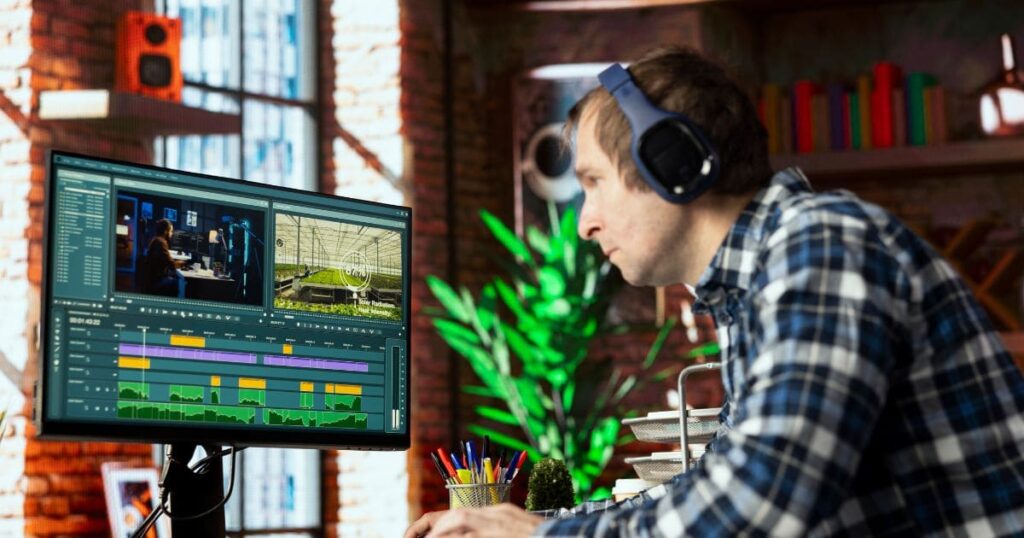
Online video editing is now effortless. Many creators struggle with slow laptops and heavy software, but today you can edit full videos directly in your browser—fast, free, and without a powerful machine. A 2026 guide to simple video editing using Canva, CapCut, VEED, Adobe Express, Clipchamp, and Video.
There are no complicated menus, no long waiting times, and no abrupt crashes. Online editors allow you to cut, merge, add captions, and beautify your videos in a very simple manner, even if you have an old laptop or a mobile phone.
This article offers you the best tools and the easiest steps to make videos that look like they were done by a professional, in a short time, and without any effort.
Why Online Editing Has Become So Popular
Nowadays, video editing software are web-based applications that rely on cloud computing. The implication is that the main work is done on the server, not on your local machine. Even low-end laptops don’t feel slow.
These applications provide a feature set like auto-generated subtitles, screen recording, customizable templates, and AI-driven visual effects. That is just one of the reasons why creators are able to raise their content output 2–3 times compared to what it was before; the whole workflow is much more efficient.
Best Free Online Editors in 2026
None of the tools listed below requires payment, they are compatible with older computers, and they do not add watermarks to the exports.
-
Canva Video Editor Simple & Flexible
Canva is a visually appealing drag-and-drop editor that also provides AI support functionalities like auto-captions, beat sync, and ready-made layouts. Most new users are able to complete their first edit within minutes.
-
CapCut Web Popular for Viral Content
CapCut features strong auto-captions, a variety of trending effects, and the support of 4K exporting. It is perfect for Shorts, Reels, and TikTok videos.
-
Adobe Express Video Editing is Very Beginner-Friendly
It features basically everything, like stylish animated text, licensed motion from Adobe stock, and very handy tools for trimming, cropping, and splitting.
-
VEED.IO Great for Talking-Head Videos
With the help of AI, the program removes background noise, deletes silent parts, and adds subtitles. Besides that, the software can translate your video into multiple languages. -
Clipchamp Best for Windows Users
It is a part of Windows 11. It is great for recording the screen, capturing through the webcam, and making simple edits.
One Tool Most Creators Don’t Consider: Video
In case you want to do only quick tasks of the videos, like cutting a part, compressing, looping, resizing, or merging videos, Clideo is among the quickest online tool choices.
The program opens in the browser, is very fast in loading, and being very simple to use, it is a great tool for beginners.
How to Start Video Editing in Less Than 2 Minutes
Nearly all online editors have similar steps:
Step 1: Open the Editor
Head over to canva.com, capcut.com/web, express.adobe.com, veed.io, clipchamp.com, or clideo.com.
Step 2: Create a New Project
New Video” button gets clicked. The following options are available:
- Starting with a blank canvas
- Upload your own clips.
- Utilise a ready-made template.
Step 3: Upload Your Files
Drop your videos right into the folder. The whole thing can be in any format.
Step 4: Start Editing
Immediately, your videos are available to be edited with drag and drop on the timeline.
Overall time: 1–1.5 minutes.
Upload Videos, Photos & Audio Instantly

Basically, editors are capable of supporting large files that are made up of:
- 4K videos
- Vertical clips
- Slow-motion videos
- Zoom recordings
- Voice notes
- Screen recordings
Pro Tips
- Upload a single folder, and the files come in order.
- Insert a TikTok or YouTube link, and some editors automatically get the video.
- Directly record your webcam or screen.
- Attach a voice note, and it turns into a voiceover.
Your media is ready. Now shape your story.
Simple Drag-and-Drop Timeline Editing
The process to edit in such an instrument is as follows:
- Move clips: Drag left or right
- Trim: Pull the edge inward
- Split: Press S or select the scissors
- Overlay: Drag one clip above another
- Reorder: Drop clips anywhere; empty spaces snap automatically
Real Examples
- Shorten a lengthy video with the main highlights.
- Add an intro or outro.
- Combine different clips into one clean story.
If you are capable of moving icons on your phone, then you are able to edit videos online.
Conclusion:
One of the simplest methods to begin content production is by editing videos online. Just open your browser, upload your clips, arrange them, and save. You cannot help but get better with more videos you make.
Frequently Asked Questions:
Can ChatGPT edit videos?
No. Although it may provide assistance in creating scripts, generating captions, and giving ideas, the actual editing has to be done in tools such as Canva, CapCut, VEED, Clipchamp, and Clideo.
Is any editor completely free?
Free exports are available for CapCut Web, VEED.IO, Clipchamp, and Clideo’s online tools.
Where can I edit a video easily?
By using any browser you want, it is possible to make an easy video edit. The handy tools are canva.com, capcut.com/web, veed.io, express.adobe.com, clipchamp.com, and clideo.com.
What do most YouTubers use to edit?
In 2026, 60% of the users are on CapCut (web or app), 25% on Canva, 10% on Premiere Pro, while the rest are on VEED or Adobe Express.
How many YouTube views make $1000?
In general, 250,000-400,000 monetised views are needed to make $1,000, which varies by the topic and RPM.